Jamboard Google Meet is bringing in all the benefits and fun you can think of about full-screen video conferencing to Google’s interactive digital whiteboard offering (Jamboard). This revolutionary interactive whiteboard machine is equipped with two of the most indispensable tools needed for a successful online collaboration, whiteboard capabilities, and a video conferencing feature.

Users can get to enjoy the benefits of video conferencing and whiteboarding simultaneously. Besides, they can freely switch between the 2 views whenever they need to. When you use a Jamboard, you can directly present a jam session or you can also share your camera’s live feed to other participants (in the Jam session). Meanwhile, if you are a participant you can freely share your device’s screen or share the camera from your device.
Dynamic business organizations that are expanding the coverage of their operations to other locations often find themselves increasingly relying on online collaboration tools. It is an empowering tool because it allows them to seamlessly collaborate with the remote members of their team who may be located in another building, city, or country.
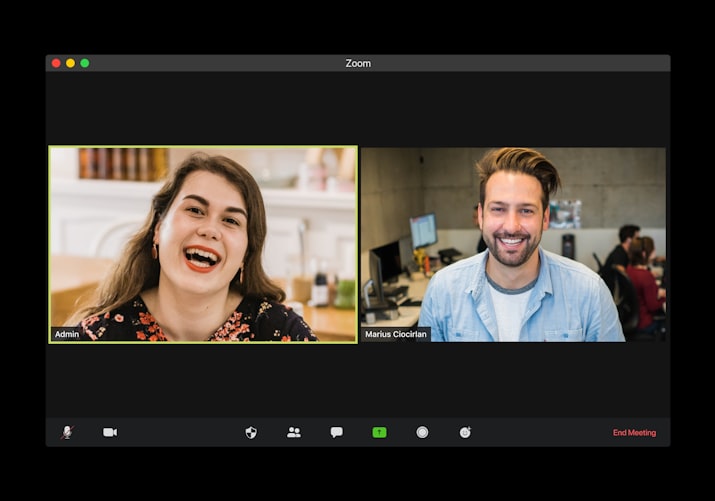
The working technology behind video conferencing is constantly evolving. This is the only way that it can meet the ever-increasing demands of the global business community and it is made possible by virtue of its new offered features such as one-touch join functionality, integrated calendar software, and real-time screen presentation.
How to Get Your Jamboard App If You Are a Windows 10 User?
There is nothing to pay for when you download the Jamboard app at BrowserCam. This application software published by Google LLC is intended for use on mobile devices running on the Android operating system, but desktop users can also have it regardless if they are on Windows 7, 8,8.1, 10, or even Mac.
Here are the Jamboard technical requirements if you are using a Windows-run PC or if you are a MAC user.
Consider looking for a suitable Android emulator that you can use for this purpose. The Internet is teeming with an awful lot of free and paid Android emulators. Some of the most popular ones that you may want to look for and try are Andy OS, MeMu, Bluestacks, and Nox. And if Google is your favorite search engine to use, you will certainly find even more compared to the given examples here.
Compatibility: Don’t try downloading anything just yet, but consider checking out the system requirements first before you try to install any kind of emulator application on your PC.
For better understanding, Bluestacks, for example, will have its OS requirements, Windows XP SP3 (32-bit only), Windows Vista SP2, Windows 7, Windows 8, Windows 8.1, Windows 10, 4GB of disk space, 2-4GB of RAM. Most importantly you need to have your graphics drivers up to date.
Then, finally, you should be able to download and install your chosen emulator. For as long as your system is satisfying the technical requirements of the emulator you pick, it should work seamlessly and fine.